
Bringing AI to the Physical World with 3D Printing
Published:
My exploration of value-oriented AI use cases continues, both personally and professionally. One I stumbled on recently was the ability to use AI to create your own 3D models for 3D printing. Let’s start with a bit of context…
For years, I have been personally subscribed to Microsoft 365 Family. Not because I use the Office suite much in my personal life, but because I was using OneDrive as a means to backup family photos, videos, and documents. Well, with the average number of subscriptions per household increasing year-over-year, I decided I was done paying for this one. However, by cancelling this I needed to find a new way to get a copy of my data offsite. I’m a technology leader for crying out loud, I need my 3-2-1 backup.
The high-level approach taken isn’t that surprising. My parents live about 3 hours aways from me and they now have a fast internet connection so why not backup to their place?
Finding a device for this didn’t prove to be that difficult. I got my hands on an old thin client, a Dell Wyse 3040. These aren’t that useful anymore but for this use case it was more than adequate. Run a Linux-based operating system, have an encrypted hard drive attached via USB and then manage connectivity over tailscale.
Given that I was going to be dropping this in a location 3-hours away, I wanted the packaging to be nice and tight… this is when I had an idea about designing and printing a chassis that would better house both the Wyse 3040 and the hard drive. After a bit of research, I ended up starting a very long conversation with Gemini. Here are the basic steps:
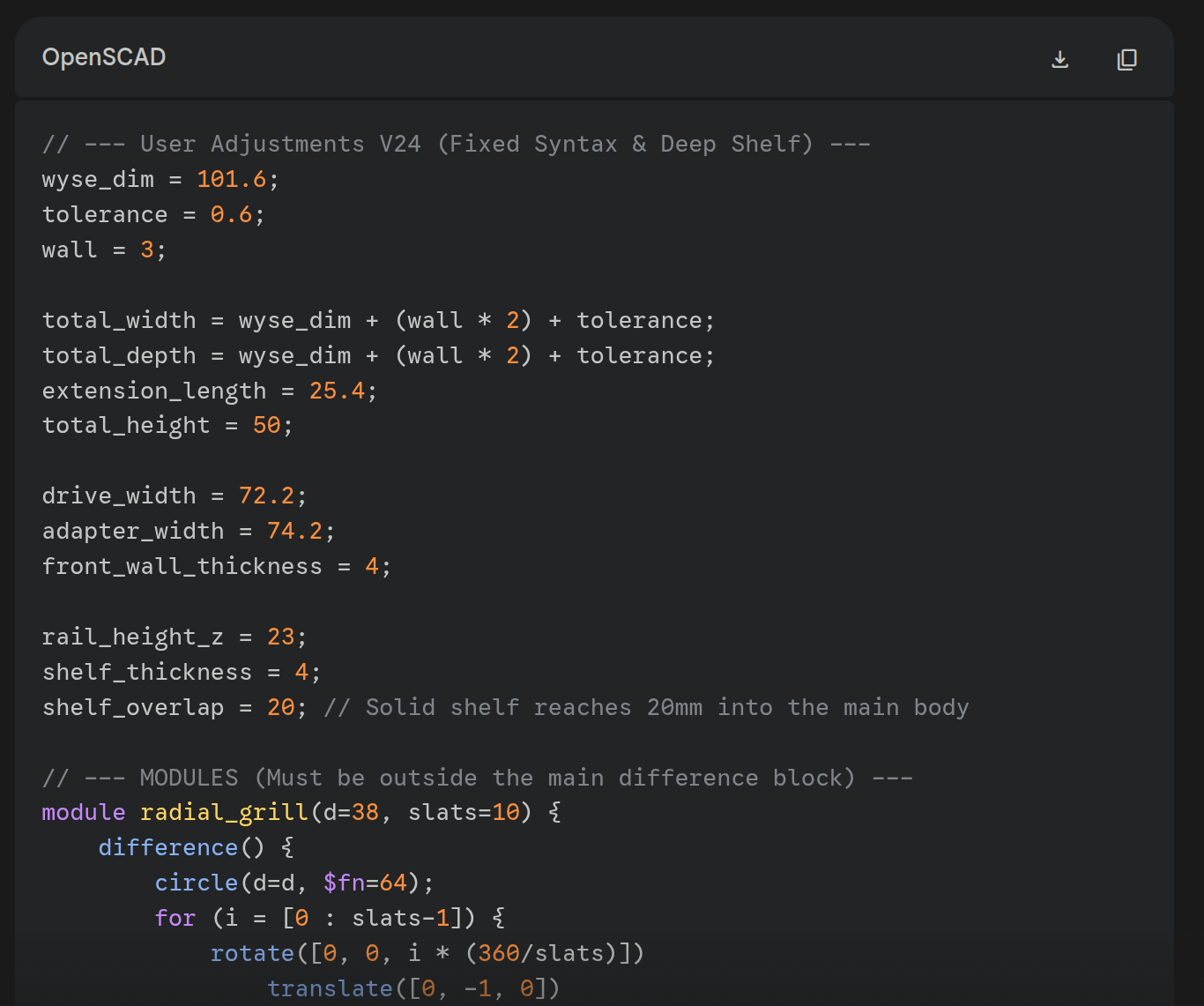
Step #1: Work with Gemini to create a .scad script for OpenSCAD.
It will give you output that looks a bit like this:
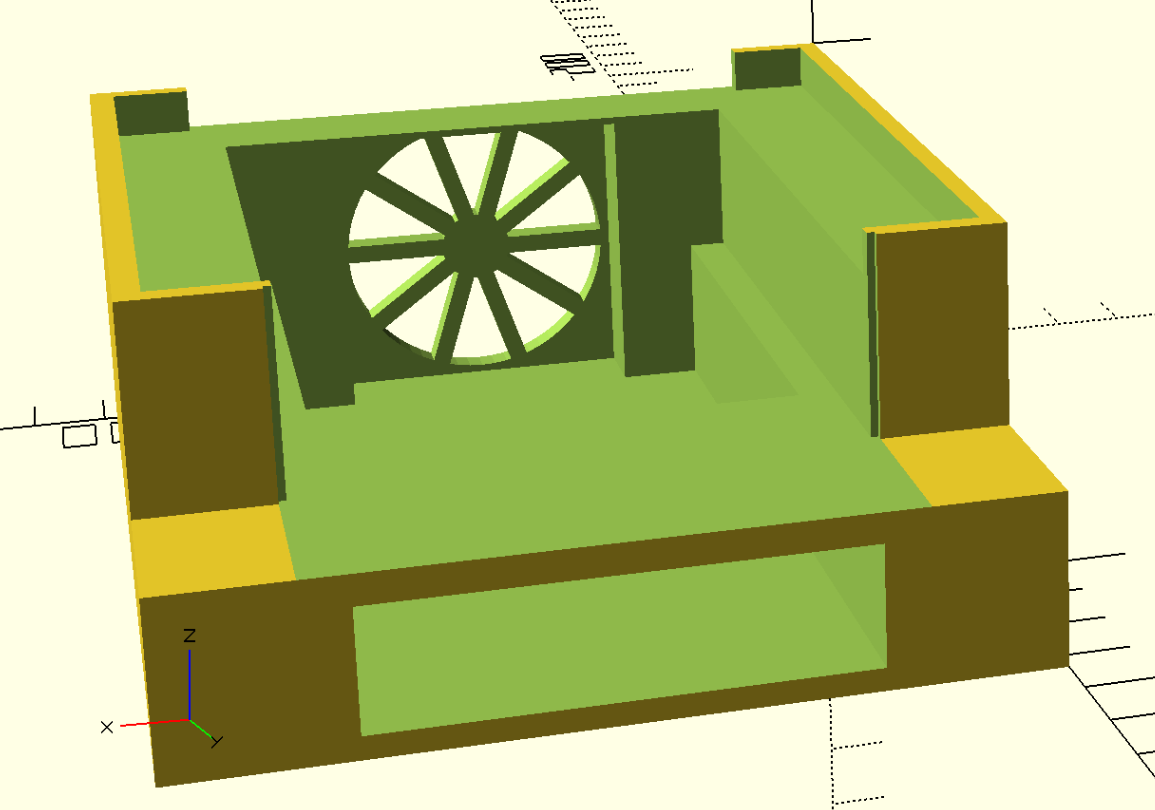
Step #2: Paste the contents of that script into OpenSCAD’s editor window and click “Render”.
It will give you output that looks a bit like this:
Step #3: Export your render from OpenSCAD to a .STL file, open that file in Bambu Studio, Print, and Profit.
… and if successful, you may end up with physcial output like this:
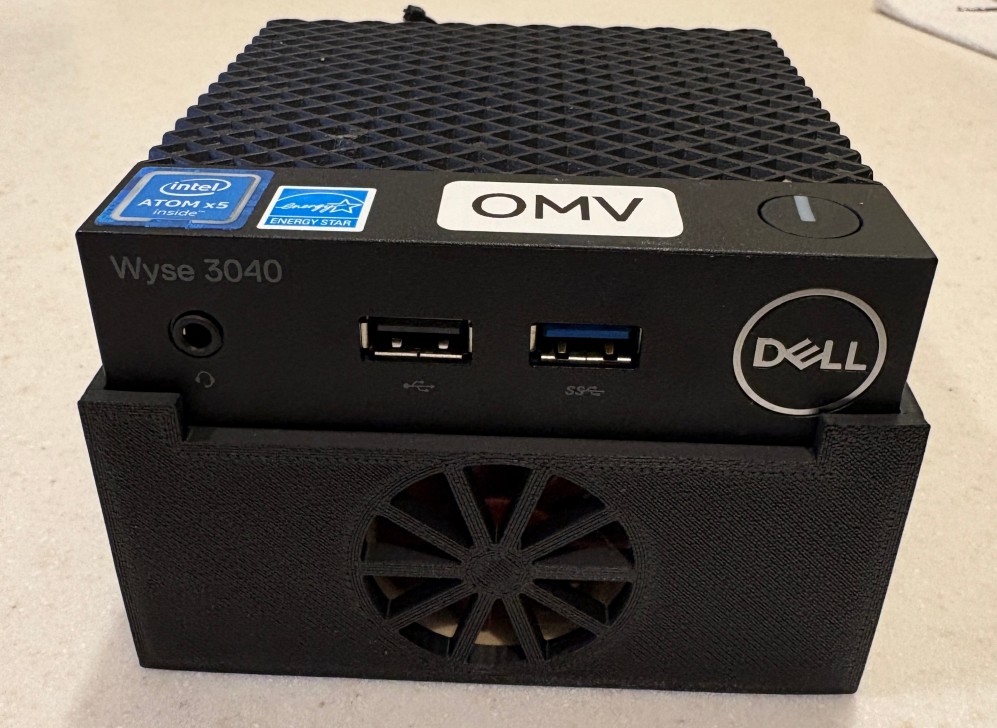
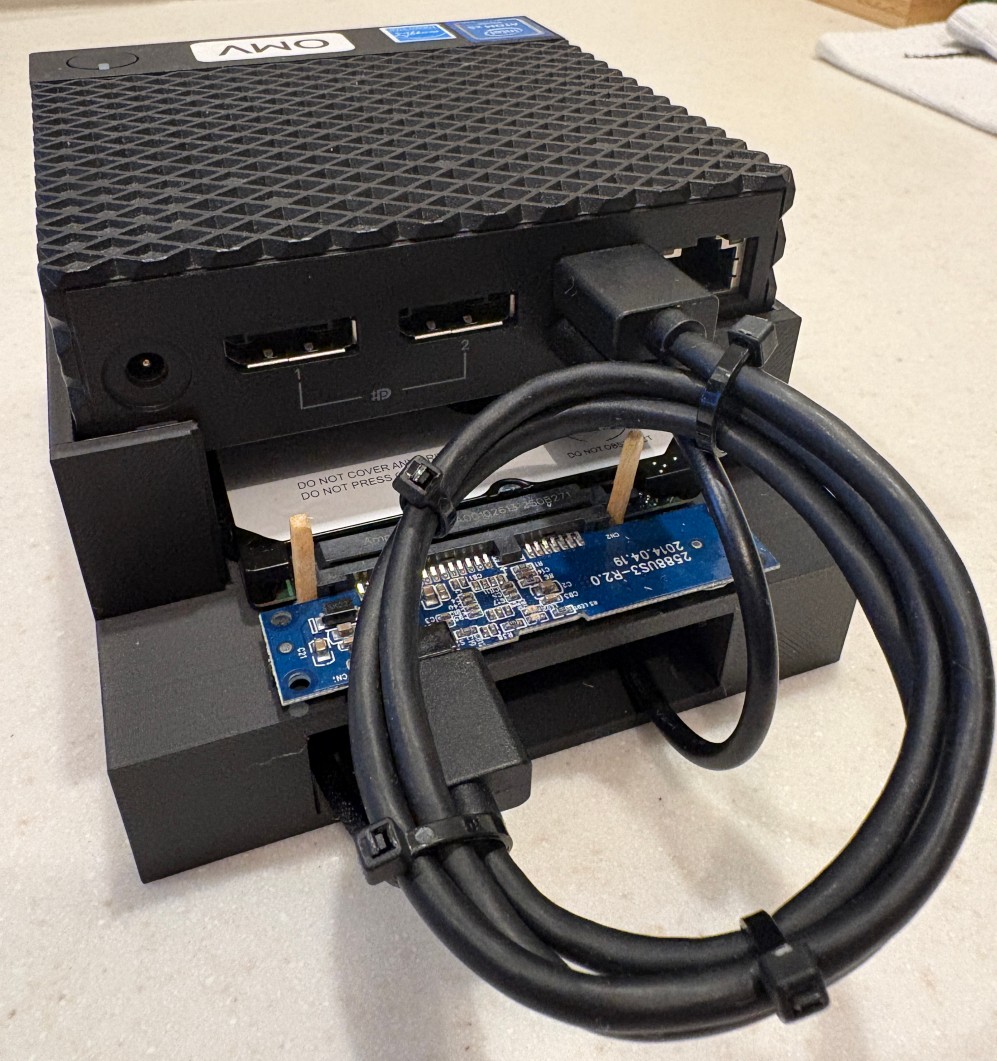
In summary, with AI Assistance I was able to design a highly custom network attached storage chassis for a Dell Wyse 3040 and a 2.5” hard drive. It’s features include:
- Friction fit pedestal for the Dell Wyse 3040
- Friction fit slot for the 2.5” hard drive
- Friction fit slot at the front for a 40mm fan to cool the hard drive
Could I have done this without the help of AI? Sure, but the time and effort to learn the requisite skills on my own would have exceeded the value of the desired output. AI helped me dip my toes into waters I probably wouldn’t have otherwise.
